Knowledge Gaps
Growth+Find every question your AI couldn't answer well. Fix it once with a typed resolution. The AI applies the fix to every future similar question.
Fix Bad Answers Once
Sometimes the AI's response to a real shopper isn't great. Maybe it said "I don't have that information" when actually you do offer that. Maybe it suggested the wrong product. Maybe it dodged a question it should have answered.
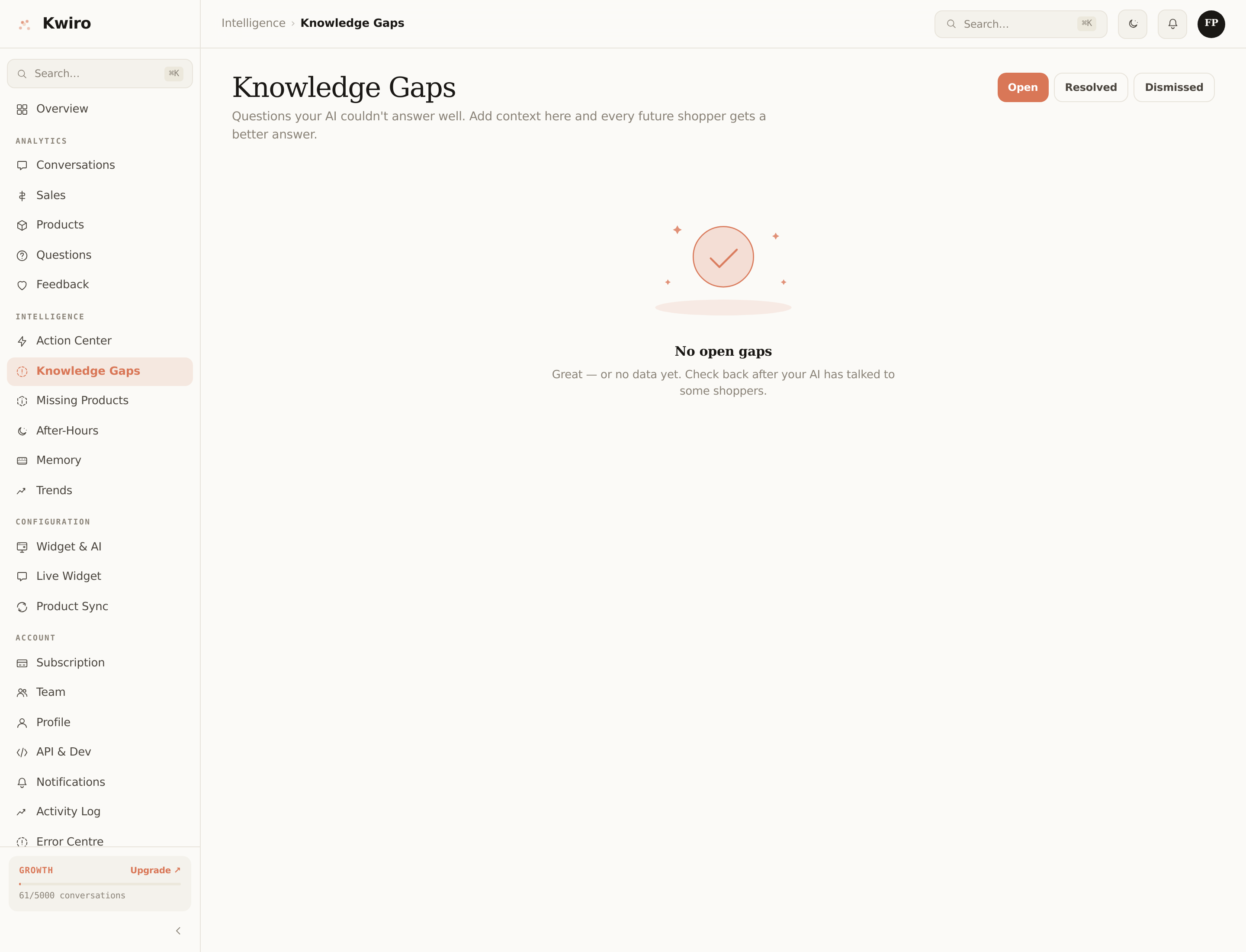
The Knowledge Gaps page collects every one of those moments — auto-detected by the system or flagged when shoppers thumbs-down a response. You read the question, type the right answer once, and the AI applies your fix to every future similar question.
This is a Growth and Scale feature.
How a Gap Gets Detected
A "knowledge gap" is one of these:
- The AI replied with "I don't have that information…" when the question was about a category you actually sell.
- The shopper rated the response thumbs-down.
- The shopper left the conversation immediately after the AI's response (early-exit signal).
- Multiple shoppers asked semantically similar questions where the AI gave generic / non-product answers.
When a question crosses a frequency threshold (3+ asks in 7 days), it surfaces as a gap.
How to Resolve One
- Open the Knowledge Gaps page in the dashboard.
- Click an open gap to see the question + the original AI response.
- Click Resolve, type the correct answer in plain English. Example:
Question: "Do your sneakers run small?"
Resolution: "Our sneakers fit true to size for most people, except the Trail Runner Pro which runs about half a size small — recommend going up half a size in that one." - Save.
The next time any shopper asks anything semantically close to "do your sneakers run small", the AI uses your resolution, weighted at top priority.
Three Statuses
- Open — needs your attention.
- Resolved — you've typed a fix; the AI is using it. Shows resolved date.
- Dismissed — you decided this question isn't worth answering (e.g., a one-off oddball question). Stops surfacing.
You can flip between the three statuses with one click.
Why This Compounds
In month 1 your AI handles ~70% of questions well. By month 6, after you've resolved 40-50 gaps, that's ~92%. By month 12, 96%+.
This is the second compounding moat (after Memory Inspector). Switching tools means starting over.
Read-Only for Members
Same as Memory Inspector — only the Owner resolves gaps. The corrections shape every shopper's experience, so changes route through one person.
Related reading
Getting Started
What is Kwiro?
Learn what Kwiro does, who it's for, and how it turns your WooCommerce store into a 24/7 sales machine.
ReadDaily Use
Your Dashboard Overview
A guided tour of the Kwiro dashboard -- see your AI's performance, revenue impact, and customer conversations at a glance.
ReadCustomization
Customizing Your Widget
Match the Kwiro chat widget to your store's brand with custom colors, position, welcome message, and bot name.
Read